
Power Apps, Power Automate and Power BI, wired to Business Central
CRM customisation, workflow automation, dashboards and custom apps, built on Dataverse and kept in sync with Business Central rather than living as a disconnected side system.
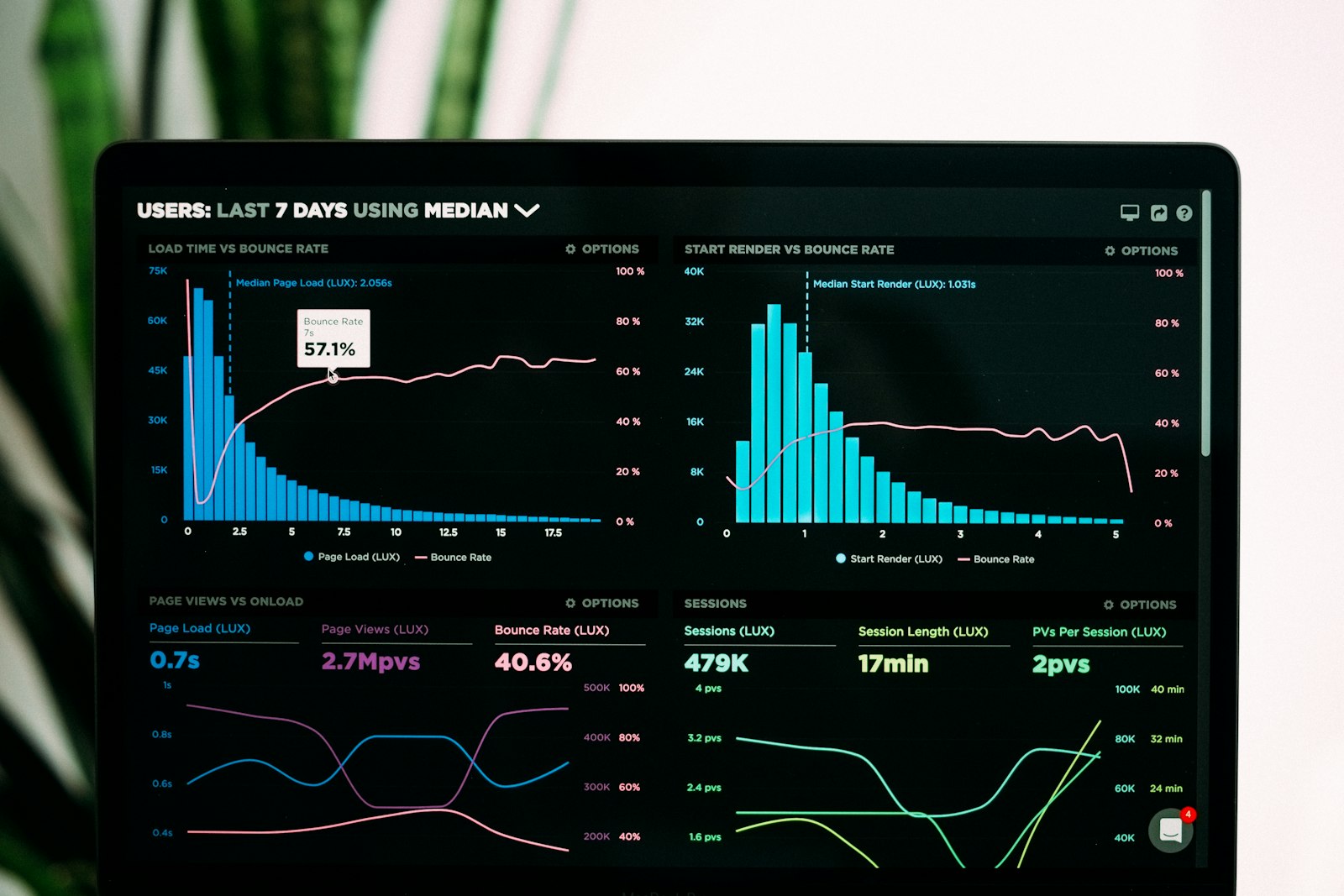
Five workstreams, one team across all of them
Dynamics 365 Sales, configured for how your team actually sells
Entities, forms, views and business rules built around your real sales process, not the out of the box demo data.

Where this pays back
Numbers below are the kind of range we hold ourselves to on a scoped engagement, not a promise before we have seen your process.
Lead-to-cash CRM pipeline
Dynamics 365 Sales configured end to end, with quotes and orders flowing into Business Central instead of being rekeyed.
Technician scheduling and dispatch
Work orders, scheduling and mobile job completion, with parts and labour posting back to BC automatically.
Executive Power BI dashboard
Revenue, margin and pipeline in one model, refreshed on a schedule instead of assembled by hand every Monday.
Approval automation
Purchase, discount and credit approvals routed by Power Automate with thresholds and a clean audit trail.
Third party CRM integration
Marketing, support and ecommerce platforms connected into Dataverse through custom connectors, not manual exports.
Inventory and inspection apps
Canvas apps replacing paper counts and inspection sheets, working offline in the warehouse or on site.

Power Apps and Business Central integration
Two patterns, picked per field rather than per project. Dataverse virtual tables for records that should always read live from Business Central, so there is no copy to drift; a queued integration user with retry and conflict handling for anything written back. A nightly export standing in for both is the thing we get called in to replace. Power BI reads the same model, so the dashboard, the CRM and the ERP agree on what a customer is.
See Business Central integrations →Before you start a Power Apps build
Licensing and Dataverse versus BC come up on almost every call.
Depends on the app. A CRM, a mobile field app or anything with rich relationships and security roles wants Dataverse; a simple form or approval can sometimes live in BC directly. We size this during discovery rather than defaulting to the bigger platform.
On whichever pattern fits the data: Dataverse virtual tables for data that should always read live from BC, and a queued integration user with retry and conflict handling for anything written back. A nightly export standing in for both is what we are specifically avoiding.
It depends on per-app versus per-user plans, premium connectors and Dataverse capacity, and it changes often enough that we price it as part of the engagement rather than quote a number here that may already be wrong by the time you read it.
Yes, and it is a meaningful share of this work. We start with an audit of what is deployed, what environment it lives in, and what the ALM story is before touching anything.
Both, by the same team. Splitting CRM configuration from the integration that feeds it is exactly how the two drift out of sync with each other.
Canvas when the layout matters and the process is narrow: a mobile form, a stock count, a field inspection. Model-driven when the data model matters and the process is broad: a CRM, a case system, anything with relationships and role-based security you would otherwise rebuild by hand. Most engagements end up with one of each rather than a choice between them.
SharePoint lists are fine for a single-table app with a handful of users and no relational requirements. Dataverse earns its licence the moment you need relationships, row-level security, server-side business rules, or an audit trail, and it is the only one of the two that integrates cleanly with Business Central through virtual tables. Starting on SharePoint and migrating later usually costs more than starting on Dataverse.
Related services
Business Central Integrations
Business Central integration is the work of connecting Dynamics 365 Business Central to the other systems your business depends on…
Read moreCustom Solutions
Custom Solutions covers AI agents and automated workflows applied to the repetitive steps inside your business processes, custom i…
Read moreDevOps and Cloud Engineering
Our DevOps and cloud engineering practice builds the delivery pipeline and infrastructure around your applications: Azure landing…
Read moreTell us what your team is doing by hand.
In thirty minutes we’ll tell you whether Power Apps is the right fit, what it would take to build, and how it would sync with Business Central.